

Blog
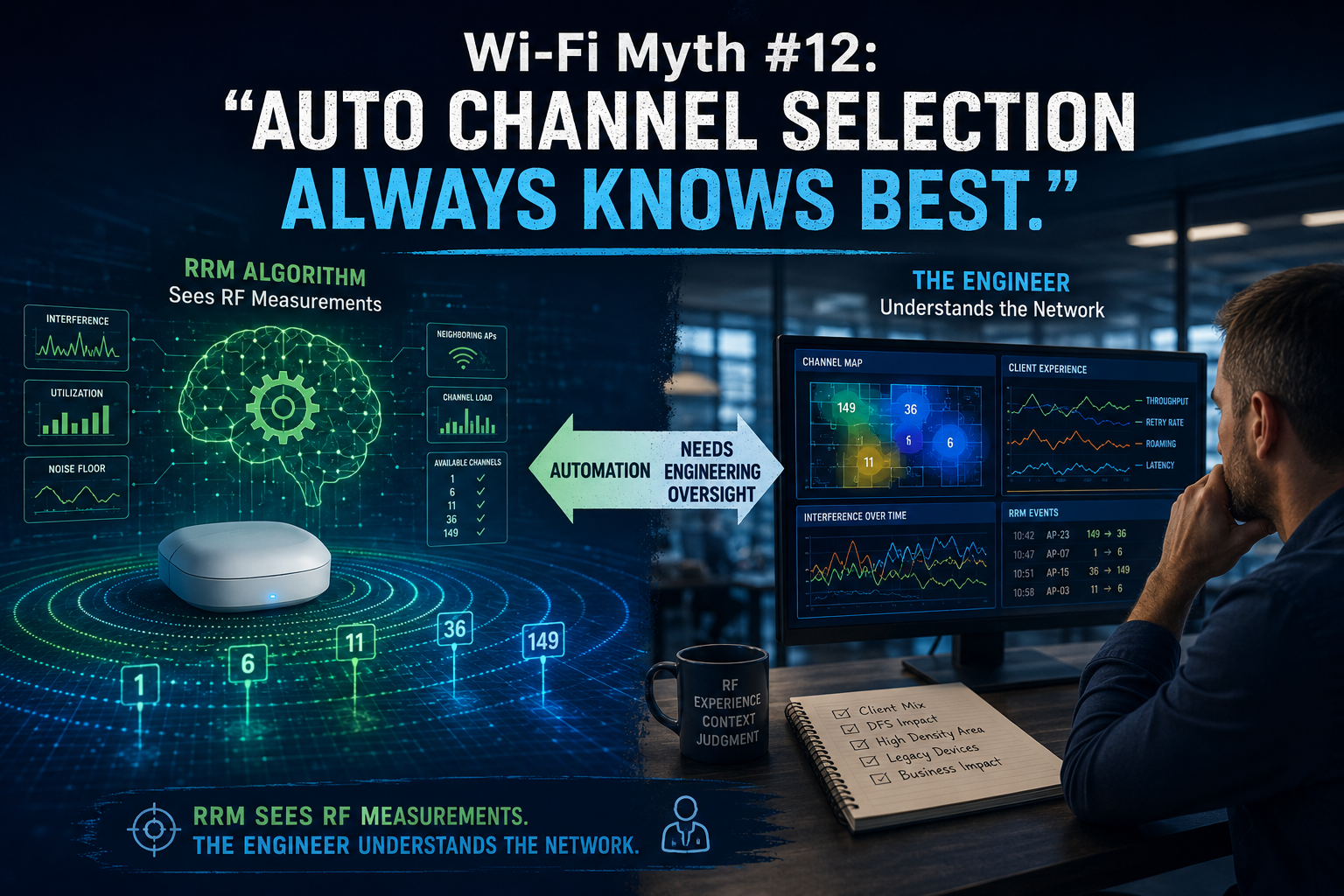
Automatic Channel Selection sounds like one of those features we should simply be able to trust: the APs monitor the RF environment, the Controller gathers data, an Algorithm considers interference, utilization, neighboring APs, channel availability, and other metrics, then Radio Resource Management (RRM) does its “thing” and selects the best channels. Wonderful! One less problem for the wireless engineer to worry about... except RF rarely cooperates with anything quite that neatly! Modern RRM systems are remarkably capable, and automatic channel selection can dramatically simplify the management of large wireless environments, but an algorithm can only make decisions based on the information it collects, the parameters it has been given, and the objectives it has been designed to optimize. That makes automation a powerful engineering tool. It does not make it the engineer.
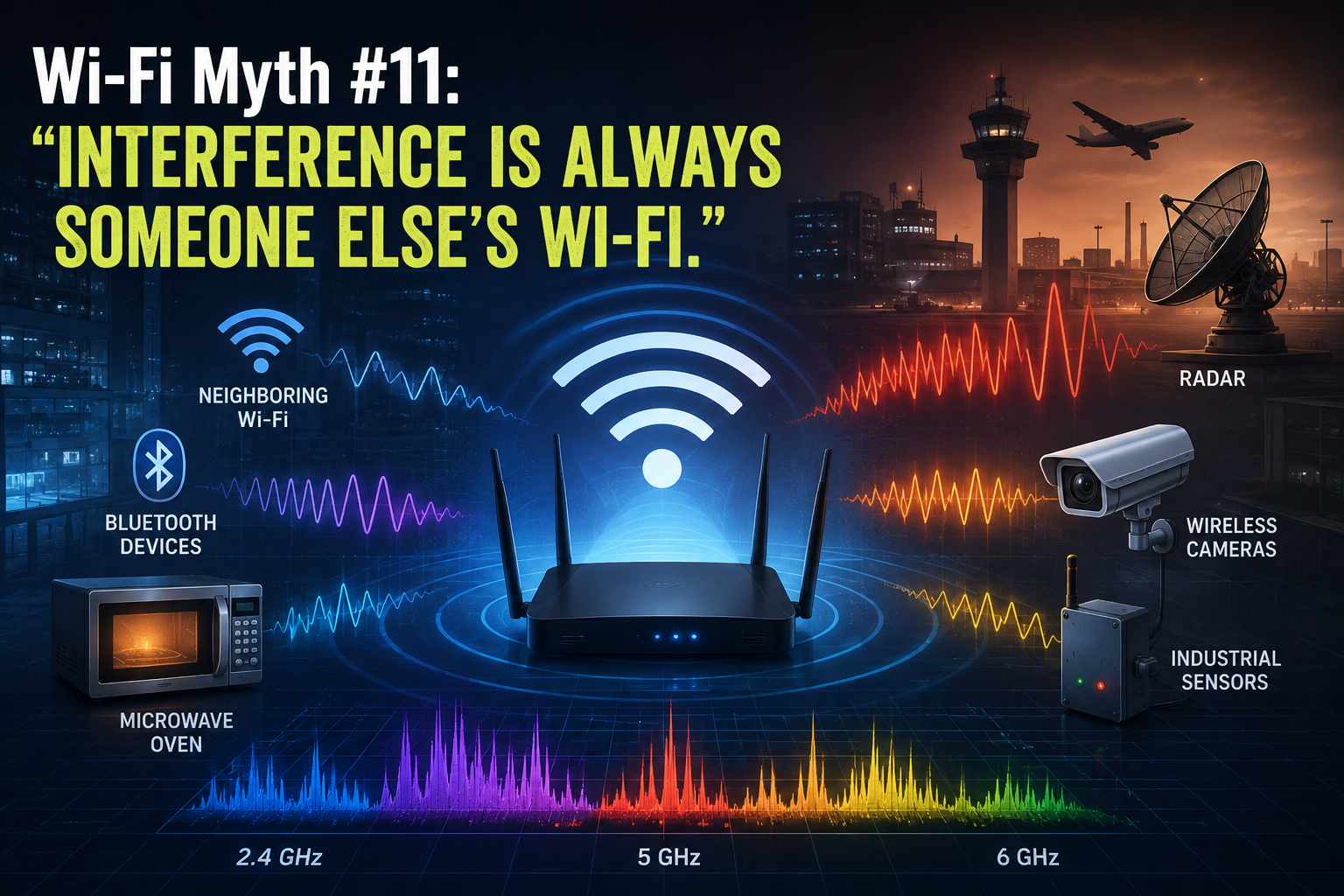
When Wi-Fi performance suddenly deteriorates, interference is often the first culprit to be suspected and, when this (interference) enters the conversation, attention tends to turn immediately toward neighboring Wi-Fi networks. “Someone must have installed another AP.” “The office next door is probably using our channel.” “There are too many SSIDs around here.” Sometimes, this diagnosis is exactly right, but RF interference has a much larger cast of characters than just neighboring APs. In fact, some of the most frustrating wireless problems occur when the interfering device isn’t speaking 802.11 at all! The spectrum doesn’t particularly care whether the energy occupying it came from an enterprise AP, a Bluetooth headset, a microwave oven, or something considerably stranger. To a Wi-Fi radio trying to communicate, unwanted RF energy is simply unwanted RF energy. Wi-Fi Has to Share the Neighborhood The 2.4 GHz band has always been something of an RF “community center”. Wi-Fi operates alongside Bluetooth, Zigbee and other technologies, while various consumer, industrial, medical, and electronic devices may also generate energy within or around the same spectrum. Microwave ovens are perhaps the most famous example. Their emissions can interfere with 2.4 GHz Wi-Fi, particularly when clients are operating nearby. Bluetooth devices, cordless equipment, wireless cameras, sensors, and other transmitters can also contribute RF energy. Some interferers transmit continuously. Others appear periodically. Some hop frequencies. Others produce wideband noise. That last category can be particularly entertaining to troubleshoot... in the very specific sense of “entertaining” that wireless engineers use when they have been staring at spectrum analysis for three hours! The important point is that interference doesn’t need to understand Wi-Fi to disrupt it.
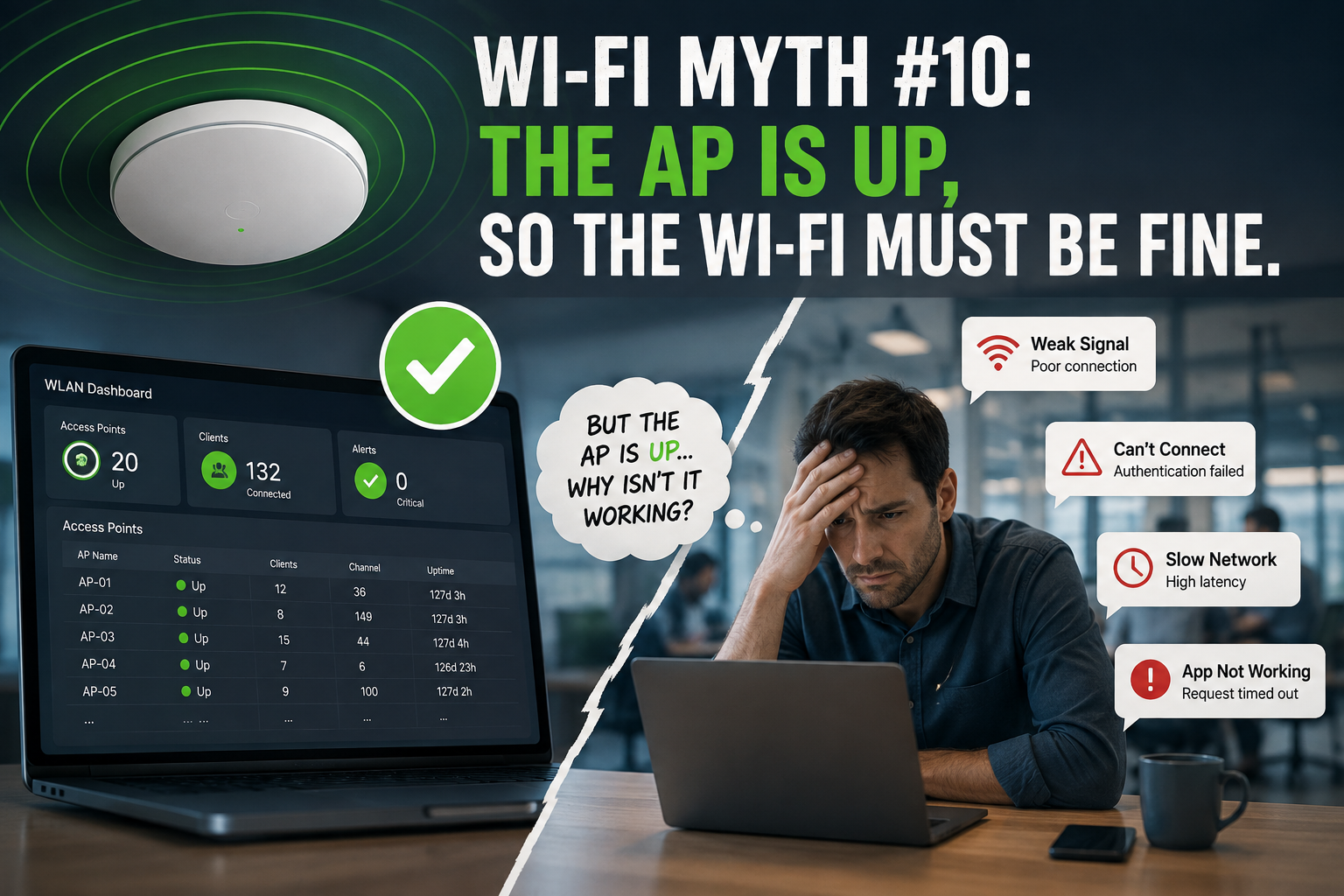
There is something wonderfully reassuring about seeing a row of green APs on a wireless dashboard: APs connected; radios operational; no obvious alarms; everything green. Excellent! The Wi-Fi must be fine... Except, of course, the users are complaining that Teams calls are breaking up, handheld scanners keep disconnecting, authentication takes forever, and someone in Accounting has discovered that turning Wi-Fi off and back on again temporarily fixes everything. Welcome to one of the more persistent myths in enterprise wireless: if the AP is up, the Wi-Fi must be working. An operational AP tells us something useful... but it tells us surprisingly little about the experience of the clients actually using the network. “Up” is an Infrastructure State When a monitoring platform reports that an AP is up, it usually means the infrastructure can communicate with it. It tells us: - the AP has power - its Ethernet connection is functioning - it may have established its management or CAPWAP connection - its radios are probably operational - it hasn't disappeared into the networking equivalent of a “black hole” ...all good things. But none of those things proves that a client can successfully use an application. Consider what still has to happen after the AP proudly announces its existence. A client must: discover the WLAN associate authenticate obtain the appropriate network configuration reach its default gateway resolve DNS access the required network resources, and maintain sufficient RF performance to exchange data reliably. Depending on the environment, that journey may involve: 802.1X RADIUS DHCP DNS VLANs ACLs firewalls roaming mechanisms upstream switching WAN connectivity cloud services ...and several other systems waiting for their opportunity to make your afternoon more “interesting”. ;-) The AP actually being operational is merely one part of that chain!
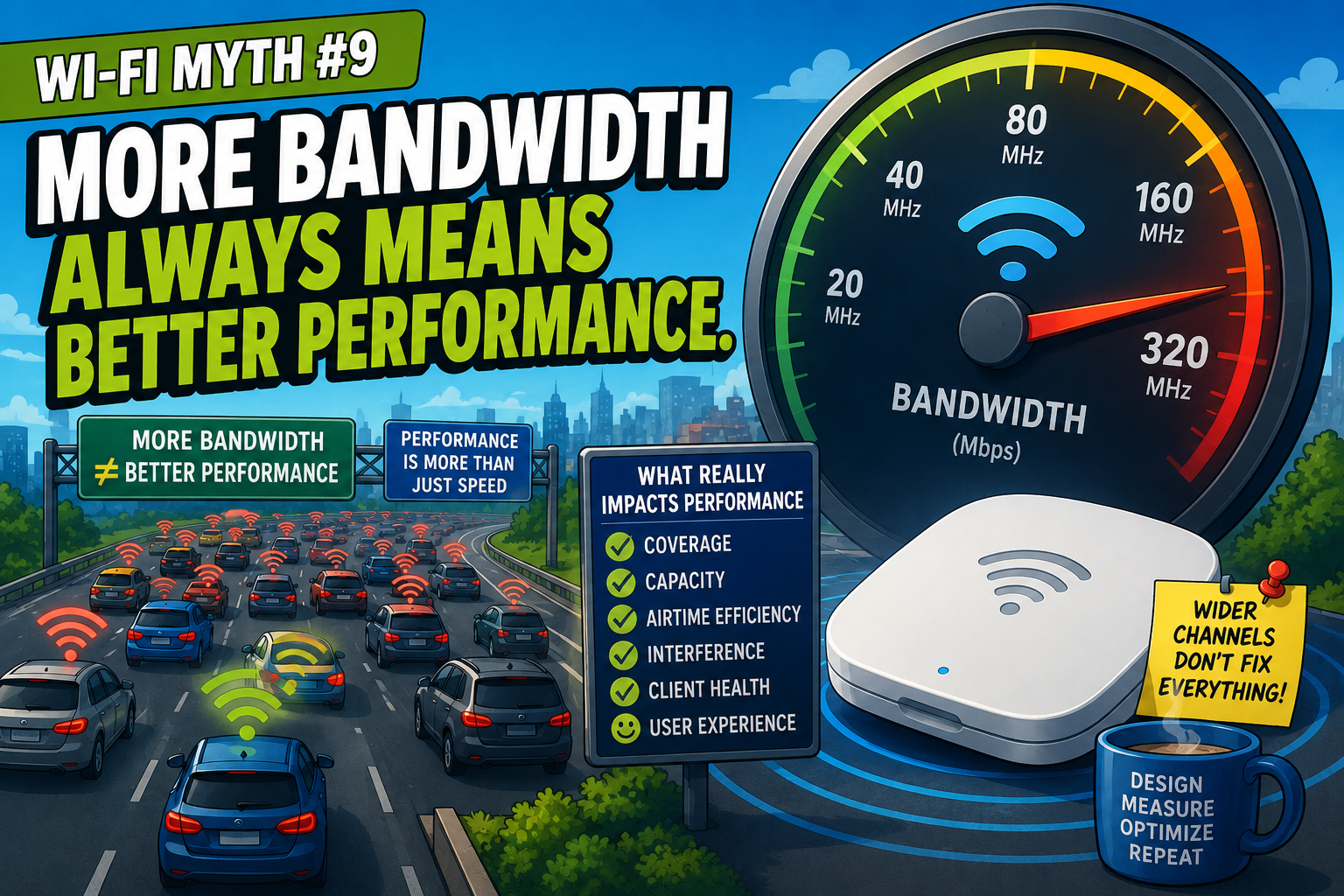
If there's one thing network users love, it's bandwidth. Need faster Wi-Fi? More bandwidth. Application running slowly? More bandwidth. Video buffering? More bandwidth. Someone sneezed near the wireless network? Probably needs more bandwidth. :) As Wi-Fi engineers, we've all heard it. Somewhere along the way, bandwidth became synonymous with performance. But while bandwidth certainly matters, it's only one ingredient in a much larger recipe. In many deployments, increasing available bandwidth produces little improvement and, in some cases, it can actually make things worse! Like many Wi-Fi myths, this one contains just enough truth to be convincing. Let's bust it...
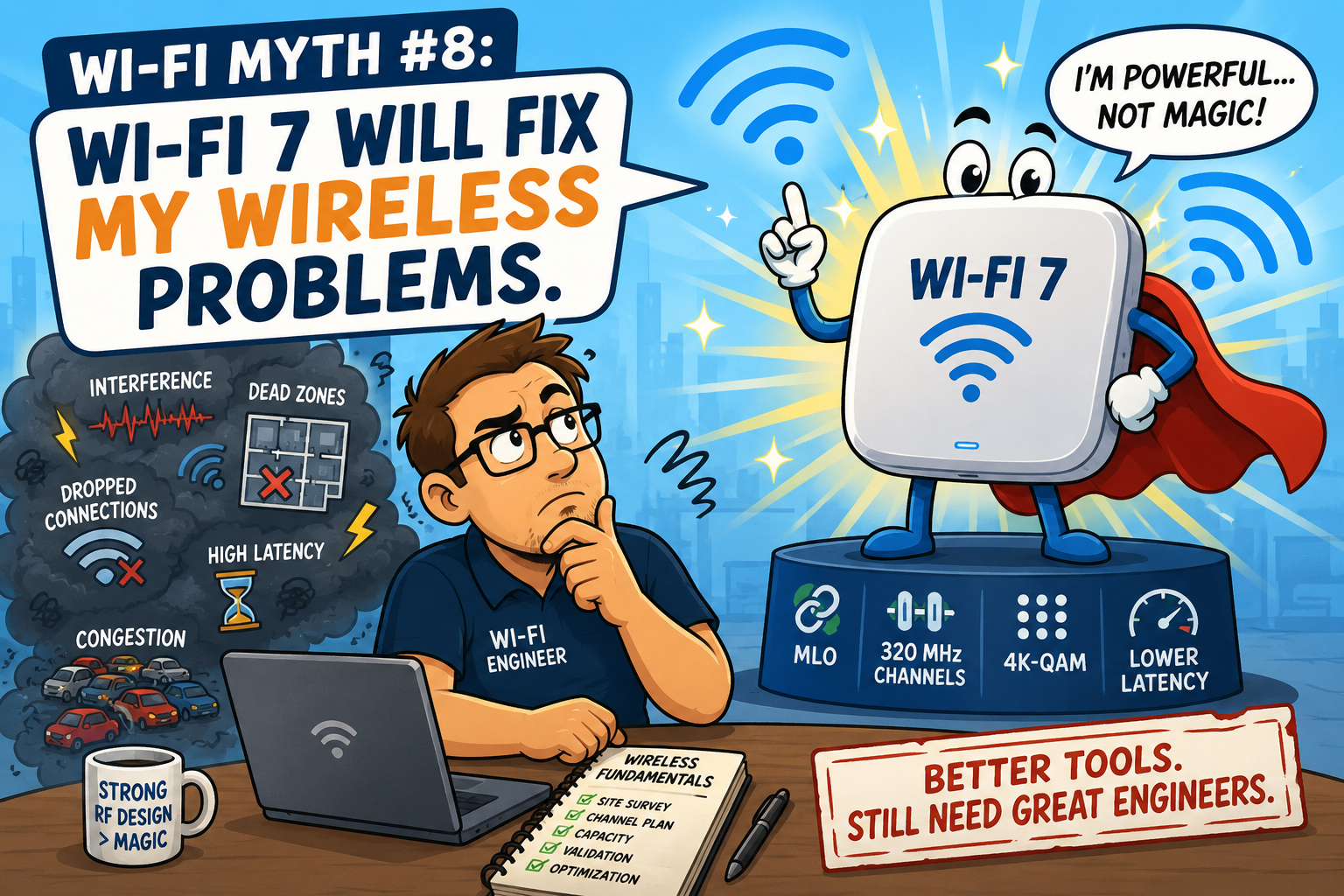
Every new Wi-Fi generation arrives with a wave of excitement: faster speeds; lower latency; more efficient use of the spectrum; and better handling of dense environments. Wi-Fi 7 is no exception. It brings some genuinely impressive technological advances but, unfortunately, it also brings a familiar myth: "If we upgrade to Wi-Fi 7, all of our wireless problems will disappear." If only wireless engineering were that simple. Wi-Fi 7 is an outstanding technology, but it isn't a magic wand. Poor design, interference, bad client behavior, and unrealistic expectations don't suddenly vanish because the APs have a shiny new logo on the box. Let's bust another myth...
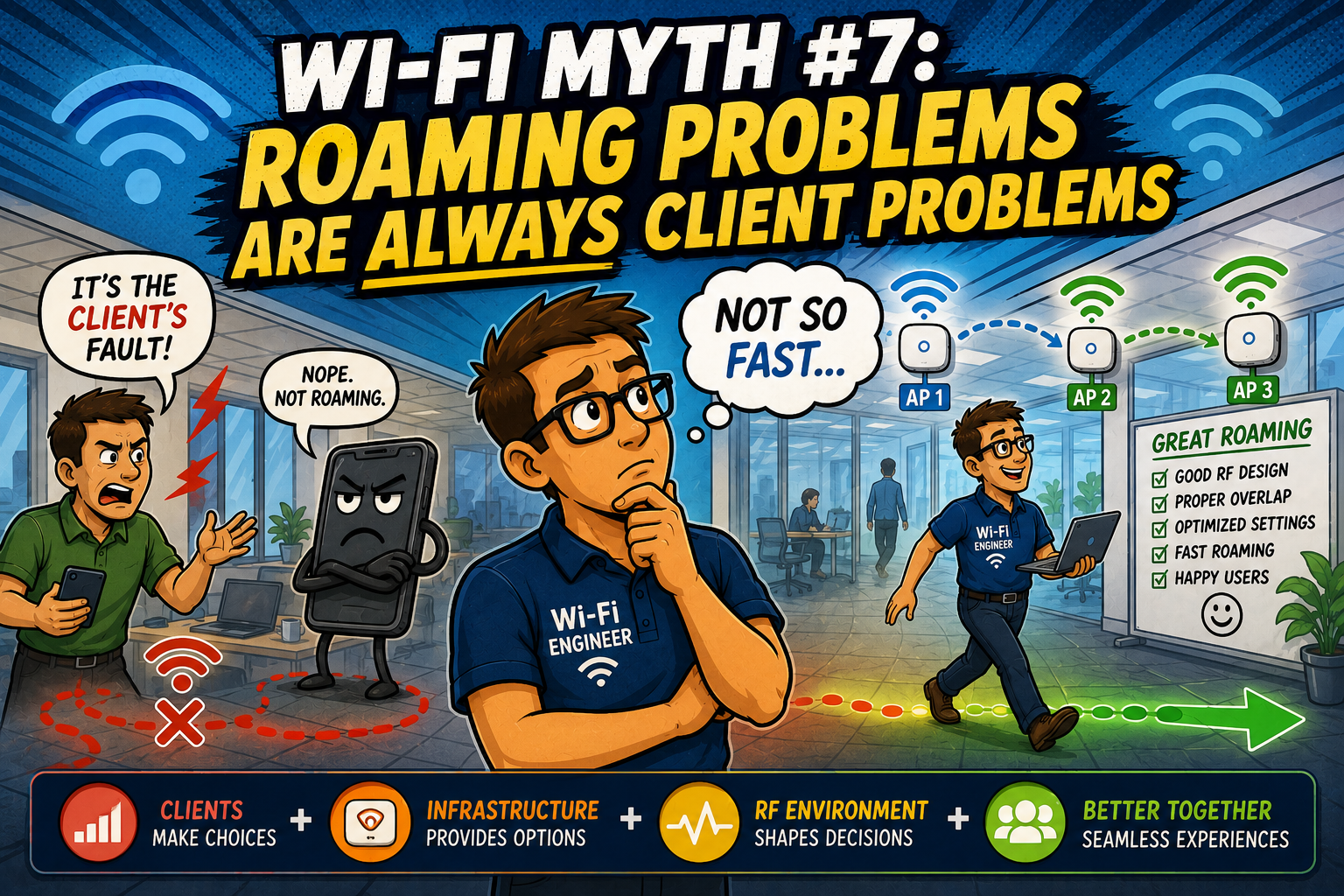
Few phrases trigger a knowing smile from experienced Wi-Fi engineers quite like this one, "It's the client's fault." Someone's video call drops while walking through the office or a warehouse scanner pauses between aisles, voice handsets crackle as users move from one floor to another... then, almost immediately, someone points at the device and confidently declares, "Well... clients decide when to roam." Technically, they're correct. But, practically, that's only part of the story. Roaming is one of the most fascinating aspects of Wi-Fi because it isn't controlled by a single device or a single setting. It's a partnership between the client, the infrastructure, and the RF environment. When that partnership breaks down, blaming one side rarely tells the whole story. Let's bust another myth... Yes, Clients Make the Decision Let's start with the important truth: in almost every Wi-Fi deployment, the client device ultimately decides when to leave one AP and join another. Laptops, smartphones, tablets, barcode scanners, medical devices, and countless IoT products all use their own roaming algorithms. Some roam aggressively whereas some cling to their current AP for far too long. Others seem convinced that losing the connection entirely is preferable to switching. Every Wi-Fi engineer has encountered at least one stubborn client that appears almost “emotionally attached” to a particular AP. :) Client behavior matters, but that's not where the story ends.
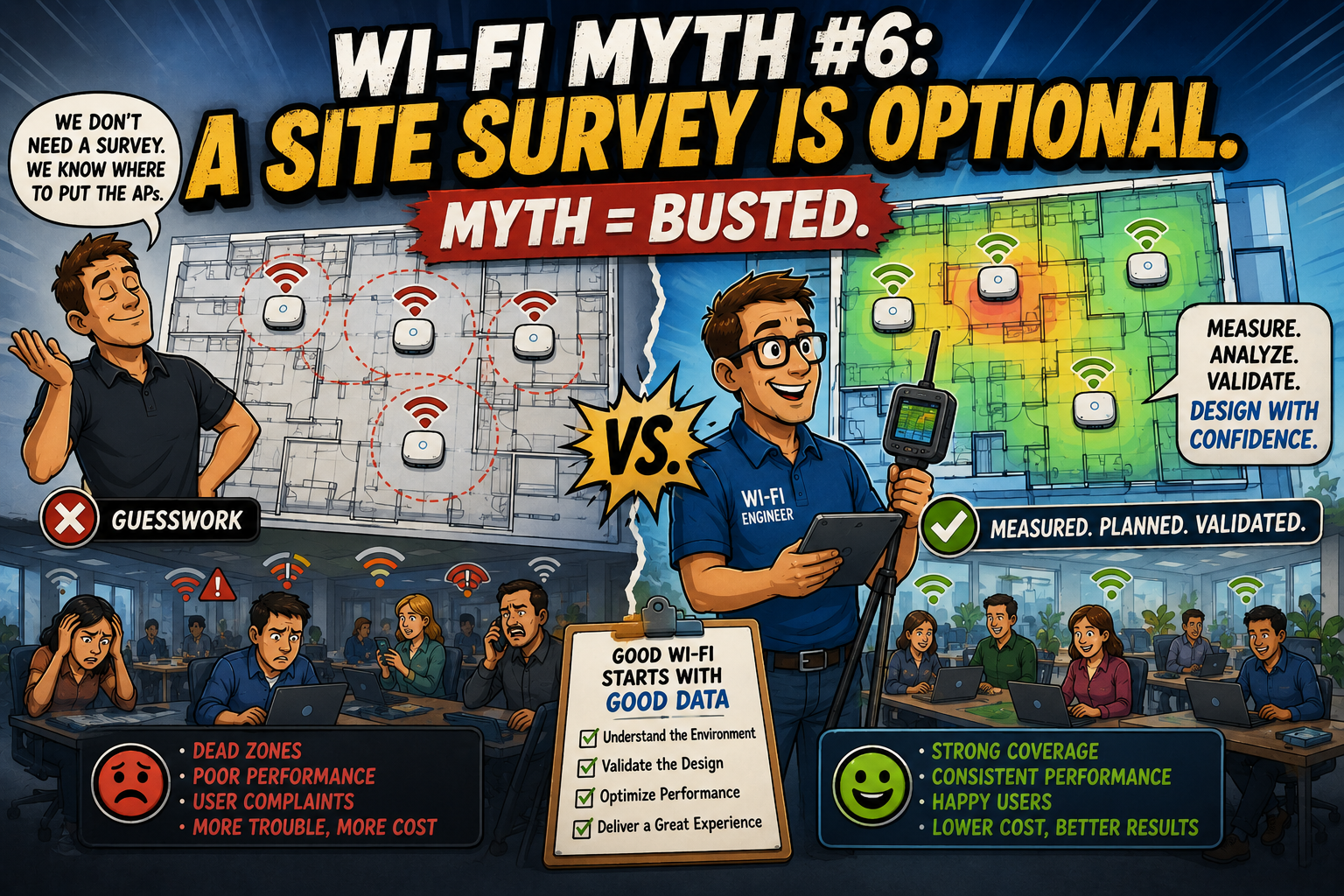
Every Wi-Fi engineer has heard some version of it, "Can't we just install the access points where the old ones were?" Or perhaps, "The floorplan looks straightforward. Let's save some time and skip the survey." Occasionally, someone even says the dangerous words, "We've done hundreds of these buildings. They're all basically the same." That's usually the point where experienced wireless engineers quietly smile, knowing that the building is about to teach everyone a valuable lesson because: buildings don't read design guides, concrete doesn't care about your deployment schedule, metal doesn't respect your project budget, and radio waves have never once agreed to cooperate, simply because everyone wanted them to. Let's talk about why a site survey isn't an optional luxury... it's one of the most valuable engineering tools available. Every Building Is Different At first glance, two office buildings may appear identical: same square footage, same number of floors, similar room layouts, yet their wireless behavior can be dramatically different: one may have reinforced concrete walls, another may contain extensive glass partitions, the warehouse may be filled with moving inventory, a hospital may have elevators, imaging equipment, and countless reflective surfaces, a manufacturing facility may contain machinery that wasn't mentioned on any floorplan, and remember: even furniture changes RF behavior! Anyone who has performed enough surveys eventually develops a healthy respect for one simple fact: the building always gets a vote, too!
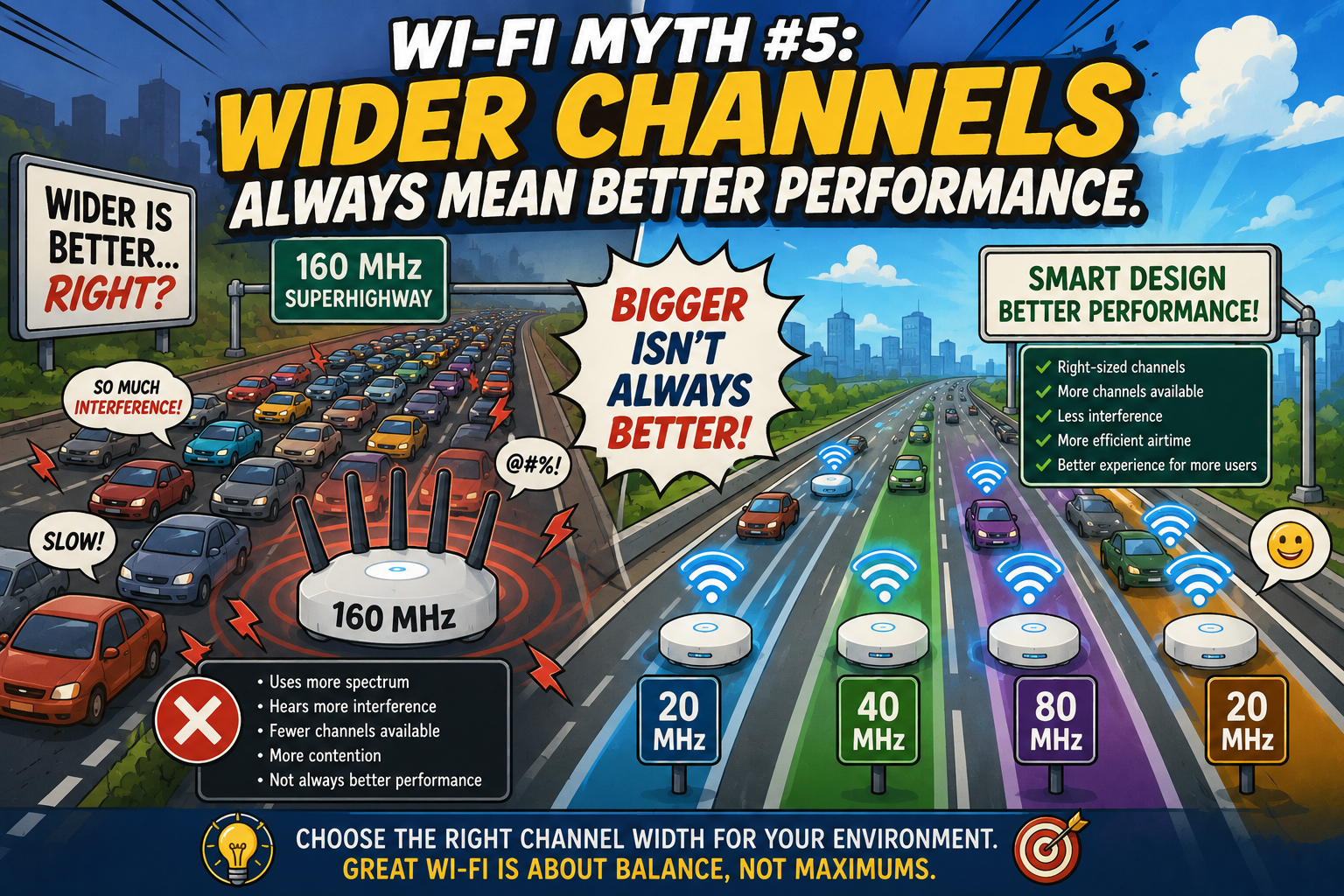
There is something wonderfully satisfying about seeing a Wi-Fi channel get wider: twenty megahertz becomes forty. Forty becomes eighty. Eighty becomes one hundred and sixty. This begs the question: more bandwidth must mean more speed... right? Well... sometimes. Like many things in Wi-Fi engineering, the answer begins with, "It depends." The idea that wider channels always deliver better performance has become surprisingly common. It's an understandable conclusion because, in theory, wider channels can carry more data. More lanes on a highway should allow more traffic to flow. But Wi-Fi isn't driven by theory alone. The RF environment has an annoying habit of reminding us that physics always gets the final vote. Let's explore why bigger isn't always better... More Lanes... But Fewer Roads Imagine a city with only a handful of highways. If you combine four lanes into one giant superhighway, each individual vehicle might travel faster. Unfortunately, you've also eliminated several independent routes that other drivers could have used. That's exactly what happens with channel bonding: - An 80 MHz channel occupies the same spectrum as four adjacent 20 MHz channels. - A 160 MHz channel consumes eight. While you've increased the potential throughput available to one transmission, you've dramatically reduced the number of separate channels available for everyone else. In an empty environment, this is often perfectly acceptable. But, in a busy enterprise? Not so much.
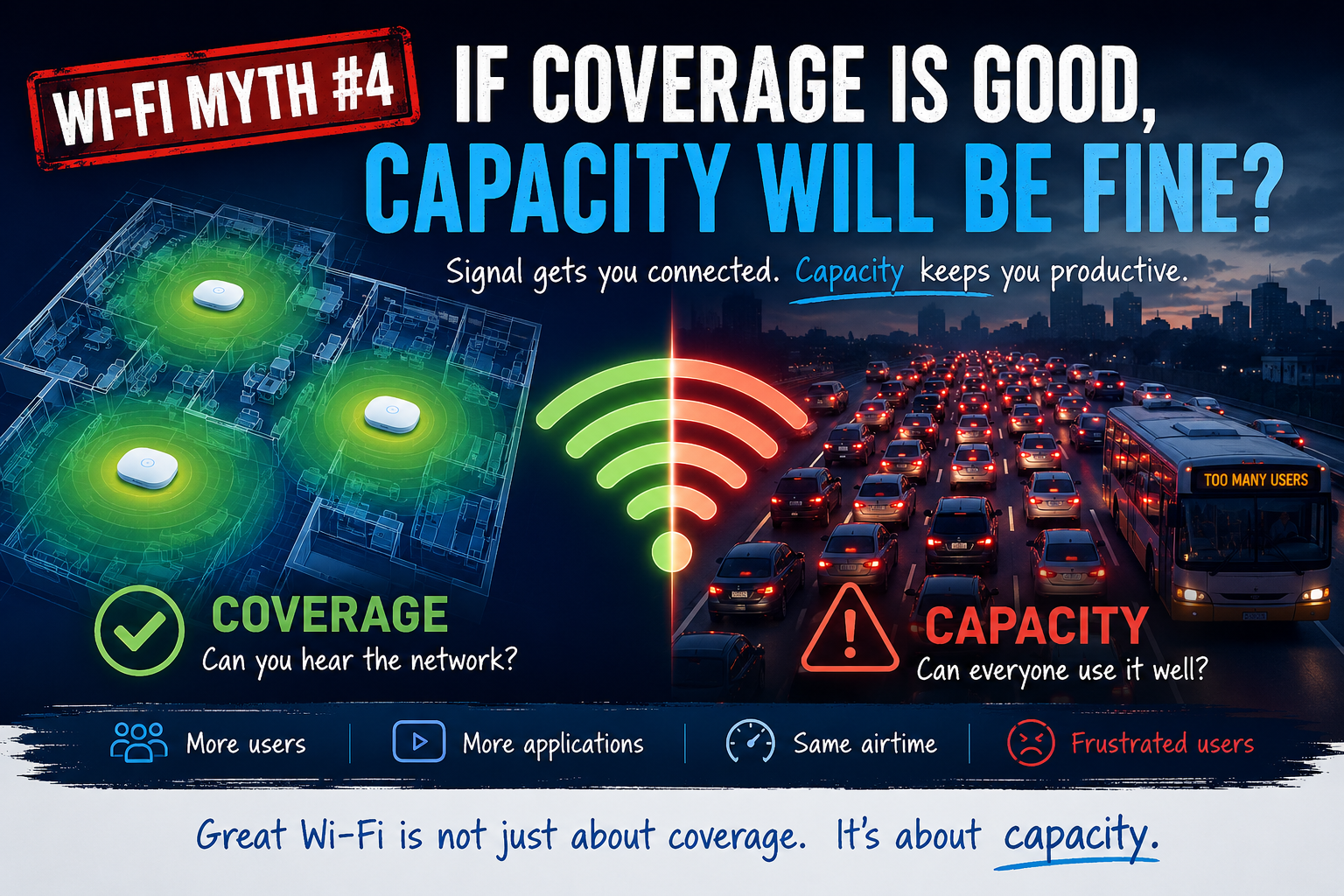
Walk into almost any office after a new Wi-Fi deployment and you'll hear a familiar sentence: "Coverage looks great. We should be good." It sounds logical. After all, if every corner of the building has a healthy signal, surely the network can handle whatever users throw at it. Except... that's not how Wi-Fi works. Coverage and capacity are close friends, but they're definitely not twins. One answers the question, "Can devices hear the network?" The other answers, "Can everyone actually use it at the same time?" Confusing the two is one of the most common mistakes in Wi-Fi design, and it often explains why a network that looks fantastic on a heatmap still leaves users frustrated. Let's bust this myth once and for all.
